

A business account that gets paid and pays its team.
Invoices, payment links, cards and salaries, in one place.

Get paid. Pay. Run the business.
What a business does with its Sylmera account.
Get paid
With VAT, deposits and reminders.
Share a link, get paid.
Take card payments on a phone.
Pay
Salaries, suppliers and bills, at once.
Each with its own limits.
Set once, paid on time.
Run
Invite the team. Approve what goes out.
See where the balance is heading.
Links, invoices and notifications.
An invoice, written and paid.
Filmed in Sylmera Business: the invoice is written, sent by message, opened by the client and paid with Apple Pay.Tap a step to go to it. Tap the phone to pause.
- The business opens Sylmera
- Invoices: paid, sent, overdue
- New invoice: the client and the linesVAT is added
- Send: the payment link is ready
- Copy the link
- Paste it in a message to the client
- The client receives it and opens itOn the client’s phone
- The whole invoice, clear on any phoneOn the client’s phone
- The client chooses how to payApple Pay, card, bank app or Sylmera
- Paid with Apple PayOn the client’s phone
- Back at the business: marked Paid

Every business is verified first.
Before an account opens, we check the company on the register, and each director on their own phone.
- The company checked on the register
- Each director verified with a live face check
- Owners declared and checked

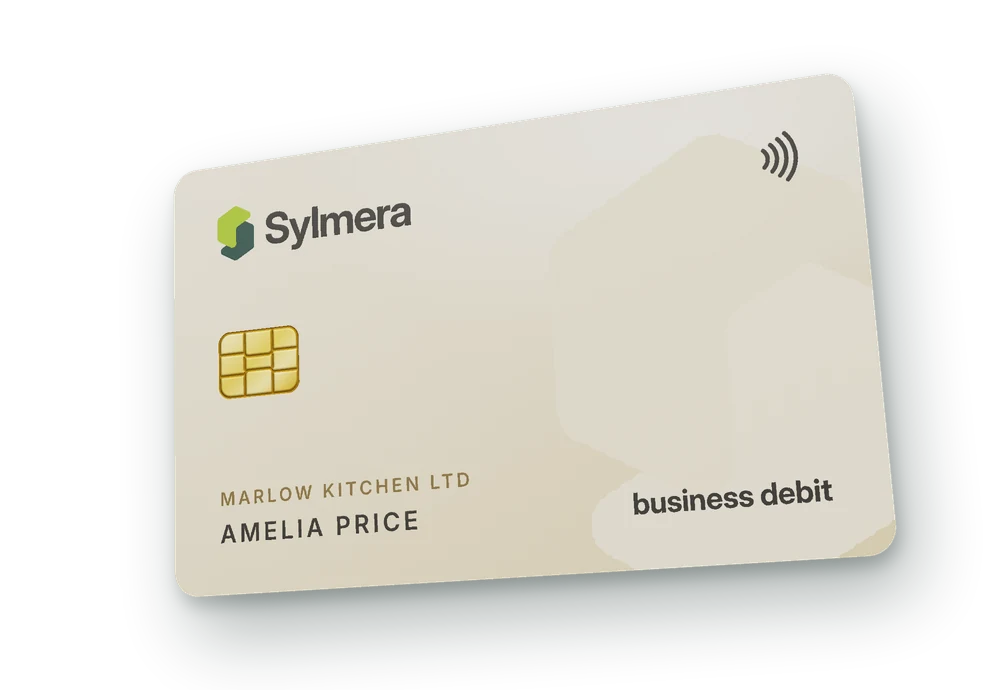
Company cards, under control.
A card for each person, each with its own limit.
- Virtual or physical
- A limit for each card
- Freeze in a tap

Become a Sylmera investor.
Clear steps, all online. A person from the team is with you at each step.
- 1Request accessTwo minutes, from your phone
- 2Read the investor informationIn your private investor room
- 3Verify your identityA document and a live face check
- 4Sign online, receive your sharesCertificate and register of members