


Cards for your team, with your rules.
A virtual card for each person who buys for the business, each with its own balance, monthly limit and name. You see every payment; only the cardholder sees the card's number.
A card for every way your business spends.
Virtual cards you create in seconds, to pay online and in apps. 5 company cards to start, and as many for each person — ask us if you need more.
Company cards
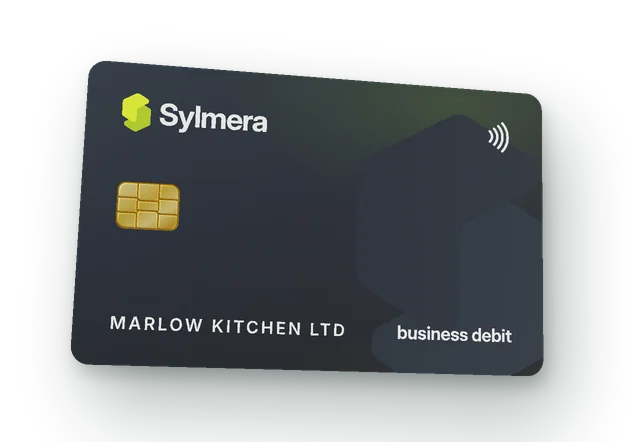
For the business itself — software, travel, suppliers — with your company's name printed on the card.
Marlow Kitchen Ltd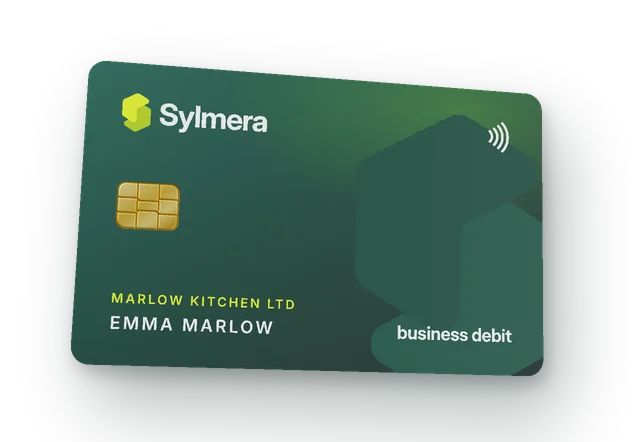
Your own card
Your card as the owner, spending from the business balance you choose.
Emma Marlow · ownerTeam member cards
A card for each person who buys for the business, with the limit you set.
Amelia Price · suppliesAssociate cards
For a verified associate of the business — with their own name on it.
Grace Walker · associateAvailability can depend on your country — the app shows what is open to your business.
Each card, set up your way.
One balance and an optional monthly limit per card — and you can change them, freeze the card or delete it whenever you like.
- Spends from the one balance you choose — so it pays in the right currency.
- A monthly limit, if you want one — you see what's left at a glance.
- A name and a colour — "Supplies", "Travel", "Software".
- Freeze it in one tap — or delete it for good.
- A card fee, if there is one, is shown before you create the card — and taken once.
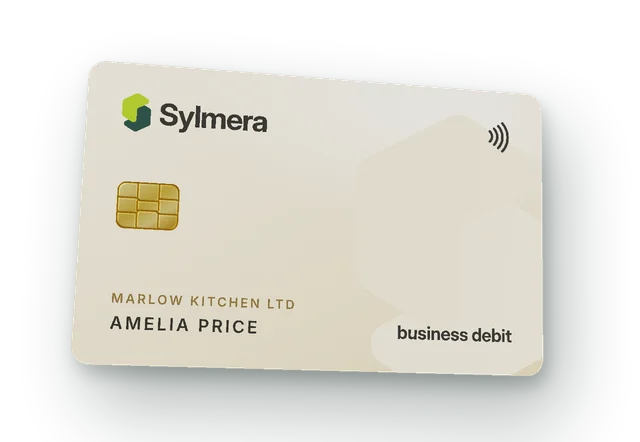
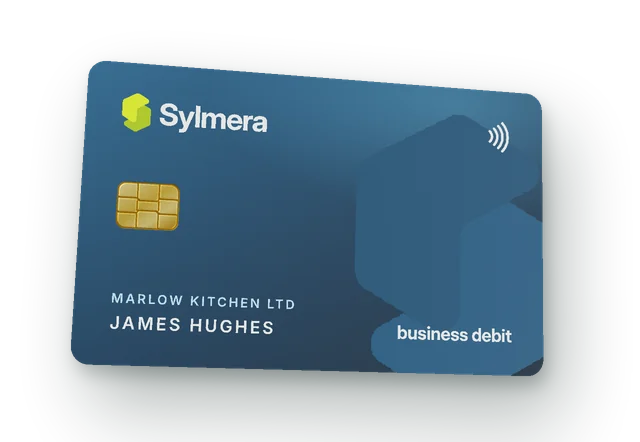
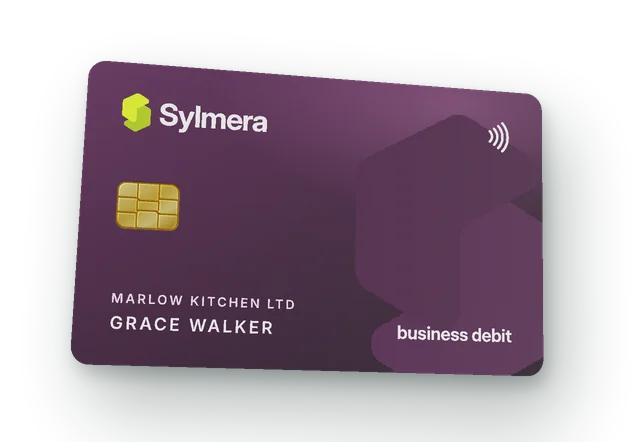
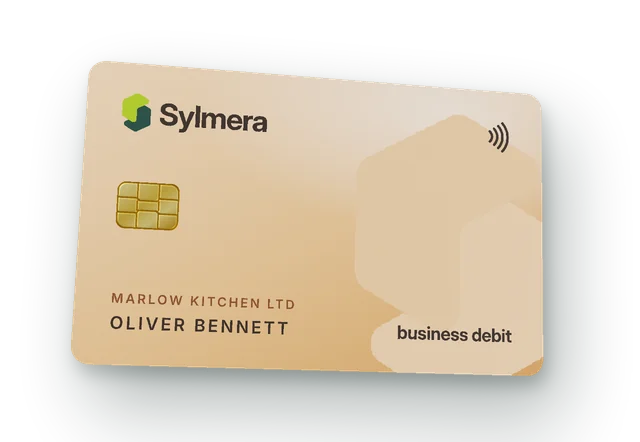
Seven colours, one for each card.
The same finishes as your Sylmera app — with your company's name on your company cards.
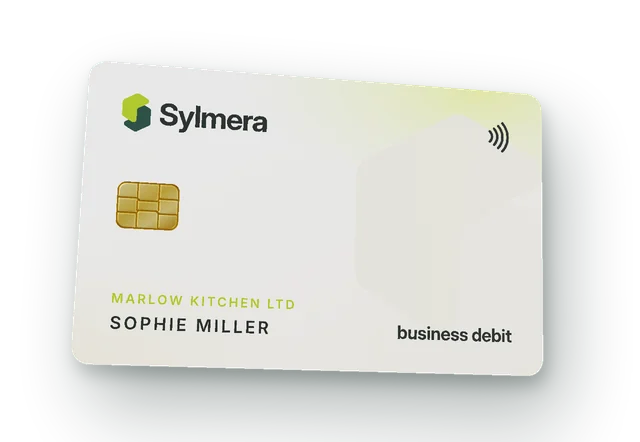
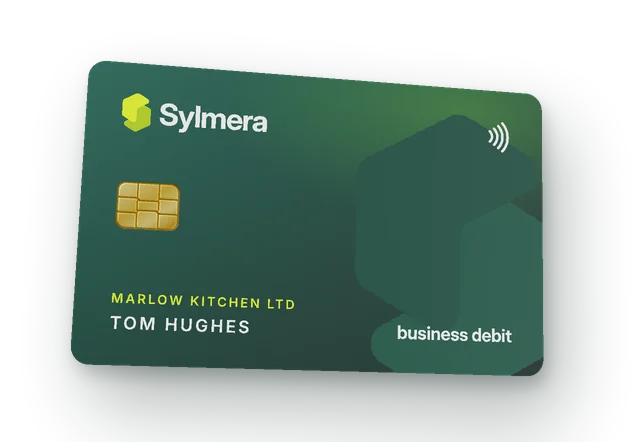
Their card, your view.
Each person sees their own card in their space. You see every payment, on every card.
- Only the cardholder sees the full number — with their PIN, and hidden again after 60 seconds.
- The cardholder can freeze their card — you can too.
- A card for each new team member — created once their identity is checked.
- When someone leaves the team — their cards are frozen.
Cards your team can hold.
Alongside the virtual cards, company cards in plastic and in metal — with your company's name, the same limits and the same controls.
- Physical company cards — for the shop, the market or the road.
- Metal cards — for the people who represent your business.
- The same rules as virtual cards — the balance you chose, a monthly limit, freeze in one tap.
Availability can depend on your country and your account — the app shows what is open to your business.
A card in three steps.
From the first tap to a card your team can use, once your business is verified.
Create a card
For the company, for you, or for someone on your team — with a name and a colour.
Set its rules
The balance it spends from and, if you like, a monthly limit.
Hand it over
The cardholder sees the card in their own space. You see every payment.
Questions about company cards
Cards for your team, in plain words — and a person on our team when you need one.
Cards for your whole team.
Open your business account in a few minutes. Your first card can be ready as soon as your business is verified.