



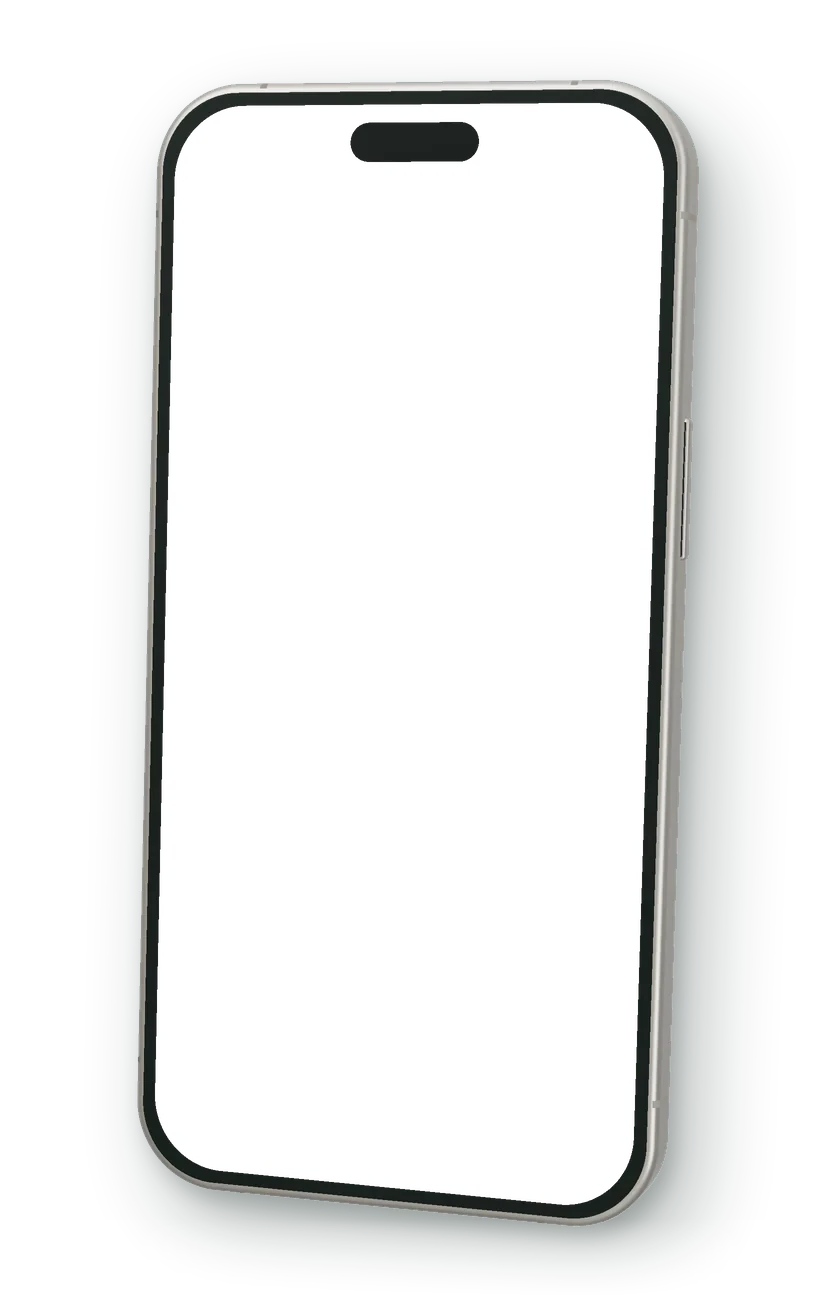
Three steps at the counter.
Your phone becomes the terminal. Nothing to plug in, nothing to rent — and each payment shows in your business account like any other.
Type the amount
In the Sylmera app on your phone, with a note if you like — "Table 6".
Your client taps
A contactless card, a phone or a watch, held near the top of your phone.
Paid
The money lands in your company balance, and the payment shows in your activity.
Whatever your client taps with.
Tap to Pay takes contactless payments — the way most people already pay in shops.
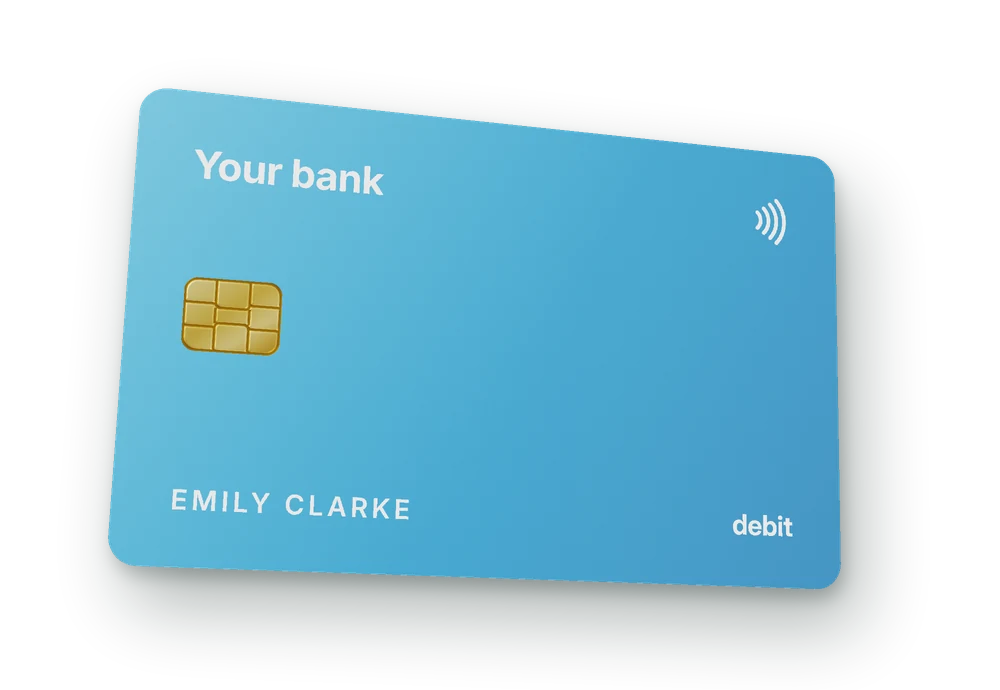
A contactless card
Debit or credit, from any bank: your client holds it near the top of your phone.
A phone
With a card already saved in the phone's wallet — one tap pays.


A watch
A smartwatch that pays by contactless works the same way.
Availability can depend on your country and your account — the app shows what is open to your business.


Your whole team at the counter.
Give a member of your team the Tap to Pay right: they take payments on their own phone — into the company balance.
- A cashier can take payments and see their own takings — nothing else is opened to them.
- Each person sees their own takings — you see every payment.
- Rights you switch on or off at any time — see Team and rights.
Another way to get paid in person.
Show a QR code on your phone or print one for the counter: your client scans it and pays by card, bank app, crypto or Sylmera.
- A request with an amount — it closes by itself once paid.
- A QR poster for the counter — printed from the app.
- Payment links — for orders taken by message or online.
Questions about Tap to Pay
Tap to Pay, in plain words — and a person on our team when you need one.
Your phone is the terminal.
Open your business account in a few minutes, and take payments at the counter, by link or by QR code.